

The real coin,
wherever the call is.
On X, Telegram, Discord, Reddit and DexScreener, every $ticker and contract address that trades on Pons gets an On Pons chip. One click shows the real coin, the copies set aside, and the buy button.
Free. Chrome, Brave, Edge and Opera.
On your phone? Extensions run in desktop browsers. Open this page on your computer.
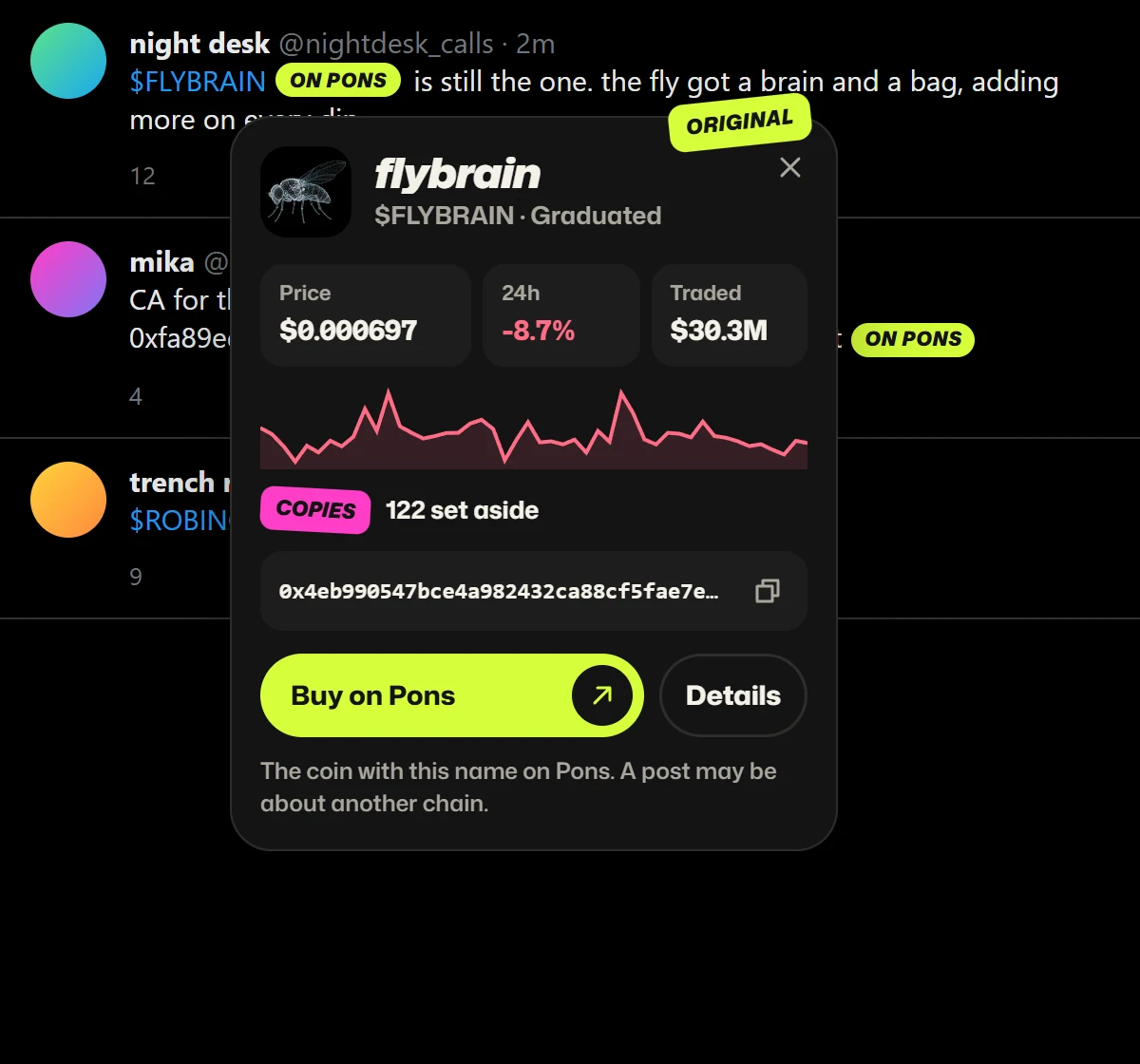
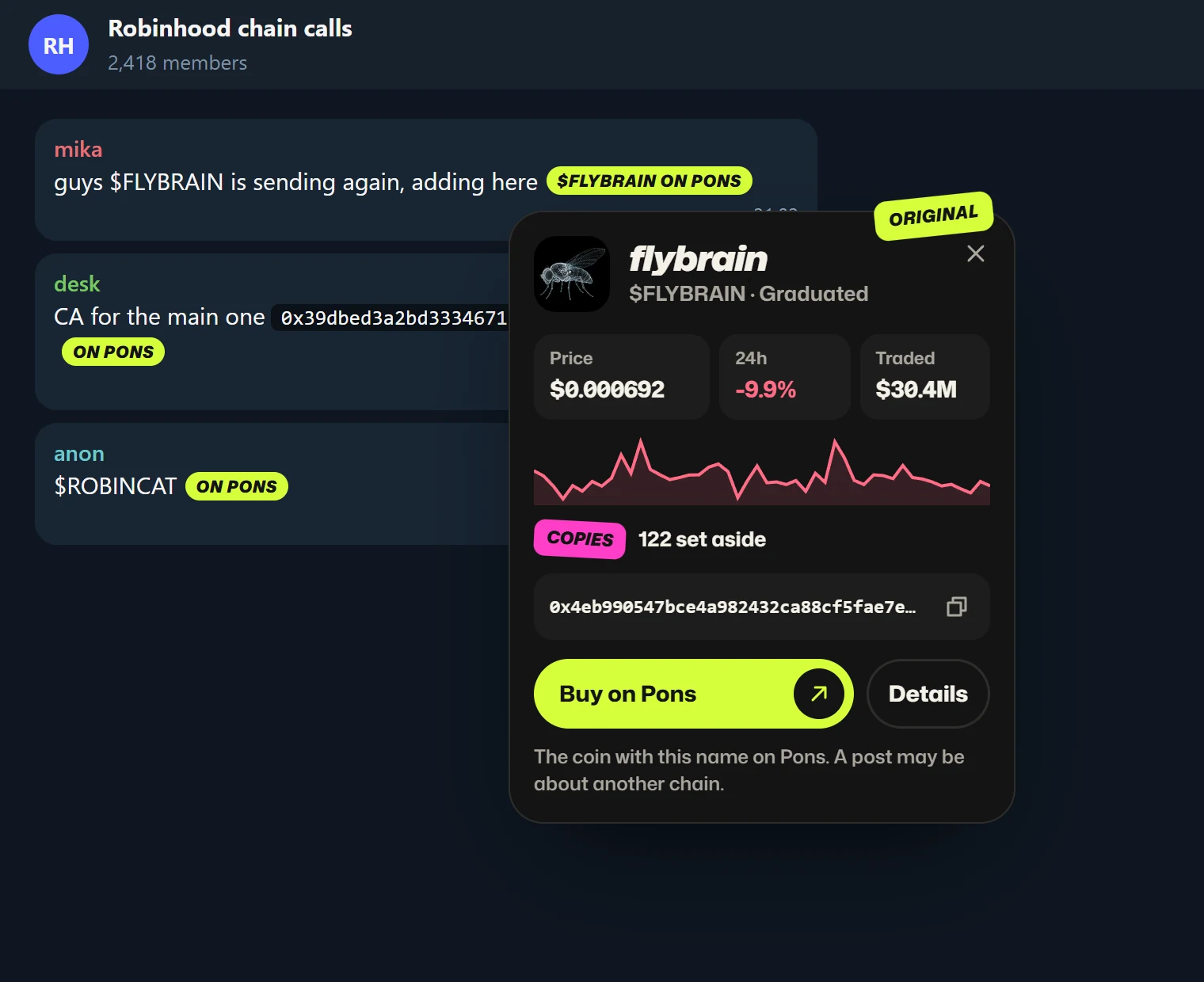
In the groups
too.
Telegram Web, Discord, Reddit, DexScreener: a ticker or a contract address dropped in a chat gets the same chip, even in a code block, even in a message that just arrived.
Anywhere else, press Alt Shift O or tap Find coins on this page in the popup.
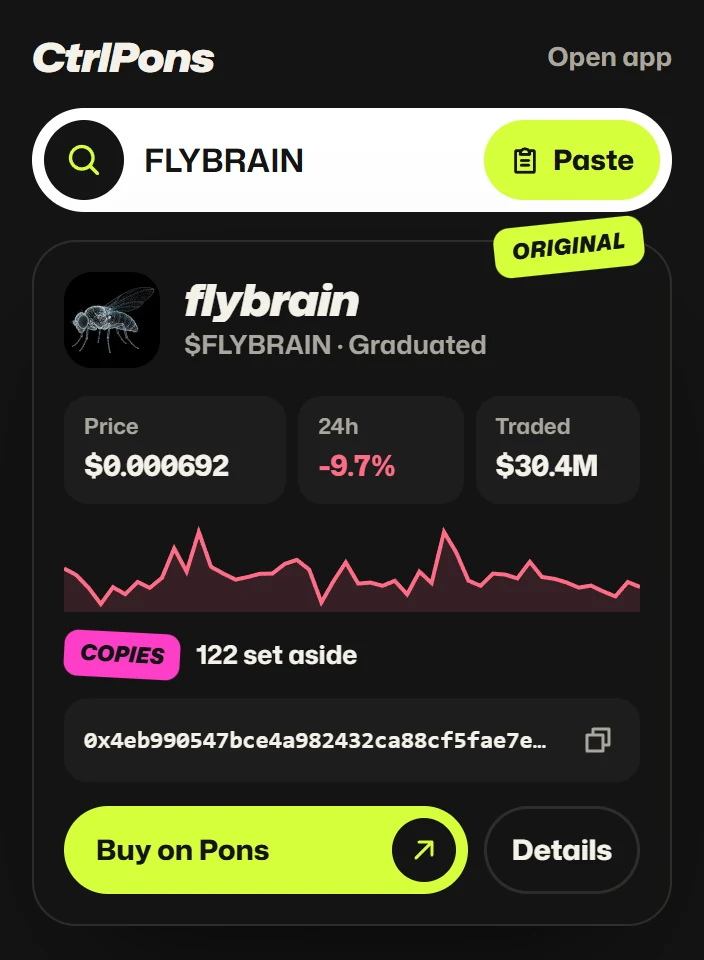
One click
from the toolbar.
Type a ticker, paste a contract address, or hit Paste with a screenshot in your clipboard. The real coin comes back in the popup.
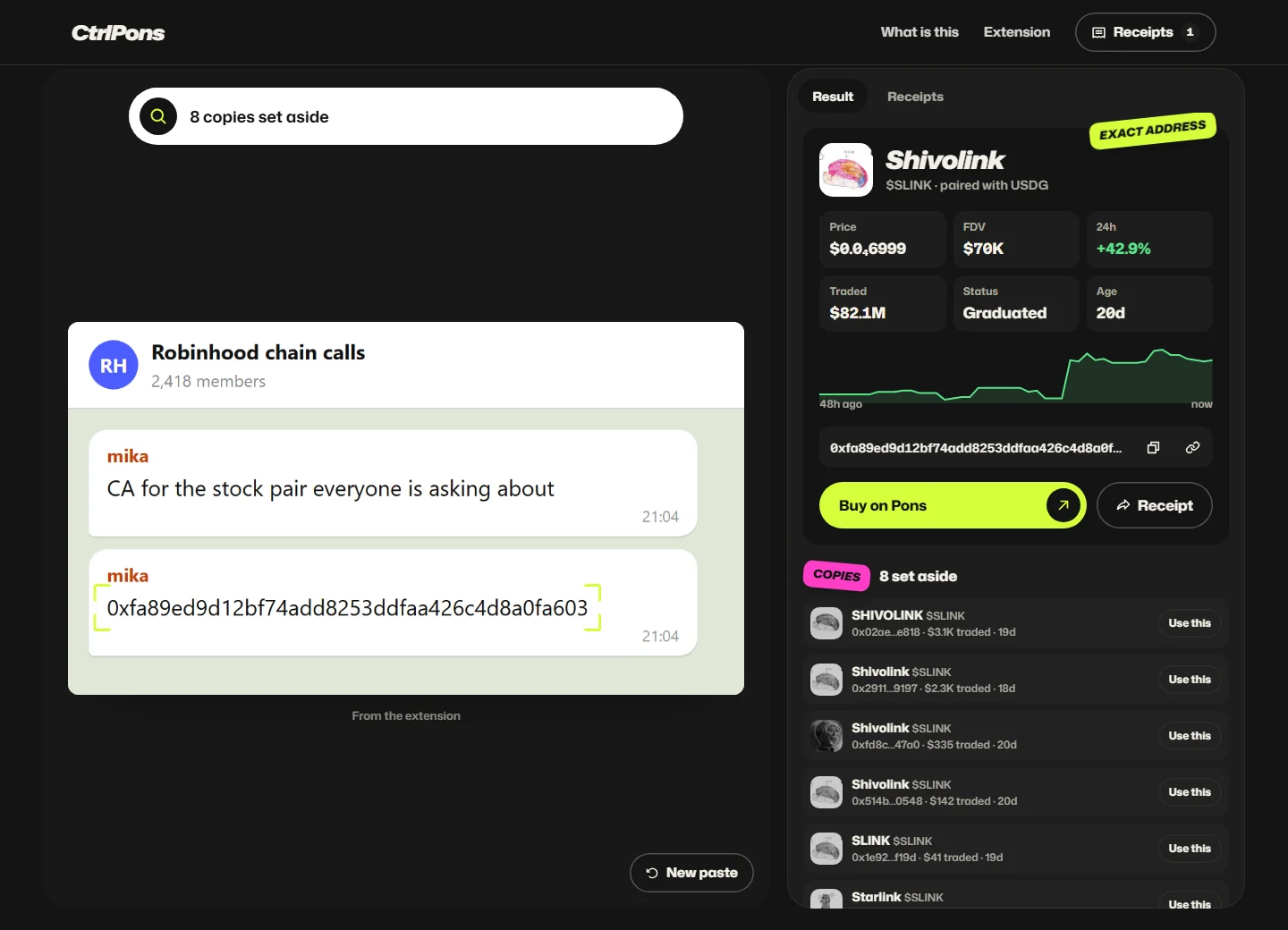
Any image,
anywhere.
A chart in a Telegram group, a screenshot on a forum: right-click it and pick
CtrlPons opens with the image already read. Selected text works too: right-click a ticker or an address.
Install in a minute.
- 1
Download
ctrlpons-extension.zip, then unzip it. You get a folder called
ctrlpons. - 2
Open your extensions
Paste this in the address bar: (on Edge,
edge://extensions). - 3
Turn on Developer mode
The switch sits in the top right corner of that page.
- 4
Load unpacked
Click it and pick the
ctrlponsfolder. Pin CtrlPons to the toolbar, then open X or your Telegram.
It reads the call spots (X, Telegram, Discord, Reddit, DexScreener, GMGN, HoodScan) to spot tickers and addresses, and any other page only when you ask. Images are read on your device by the CtrlPons app. No account, no wallet access, nothing sent anywhere else. Privacy policy